BiteCheck eliminates the tedious hassle of searching databases or guessing food weights. By utilizing advanced AI vision, it recognizes every ingredient on your plate, estimates portion sizes, and calculates calorie and nutrition breakdowns instantly.
Guide to Perfect Scans
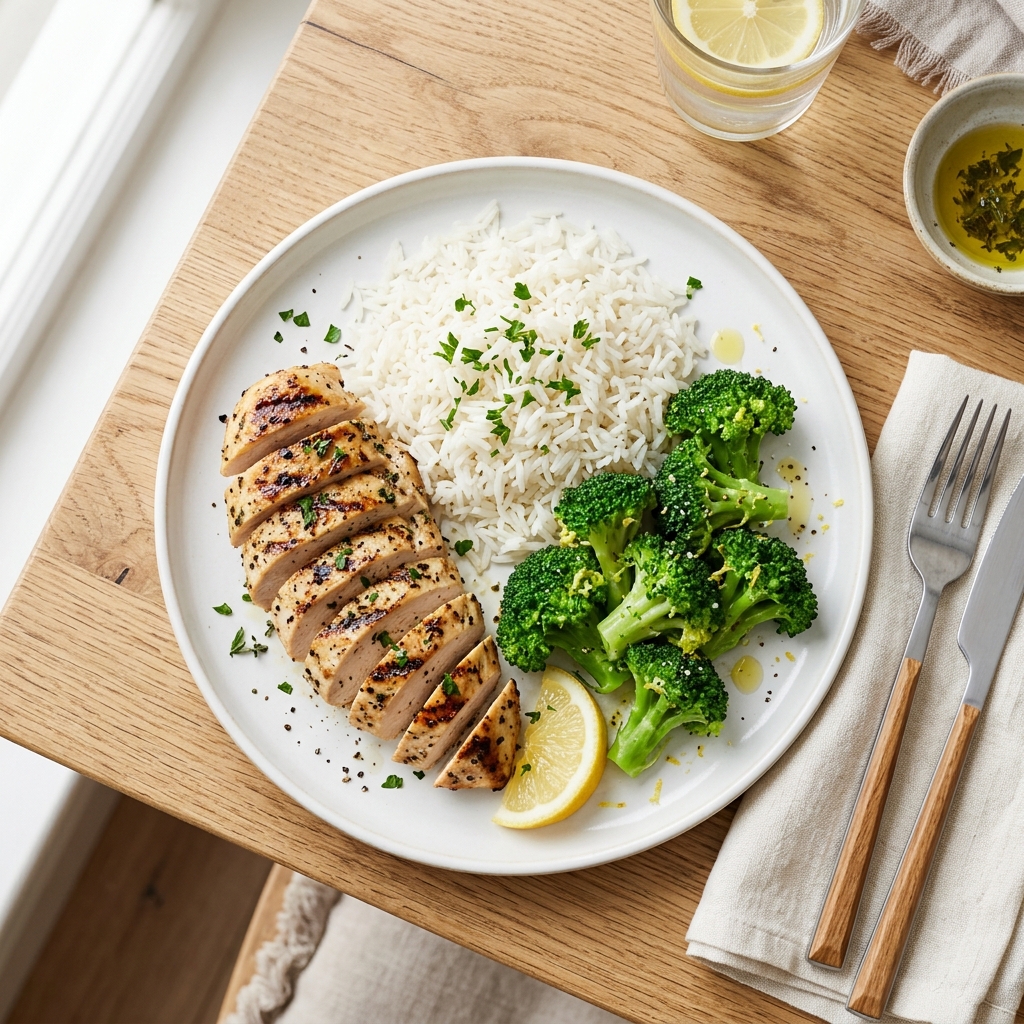
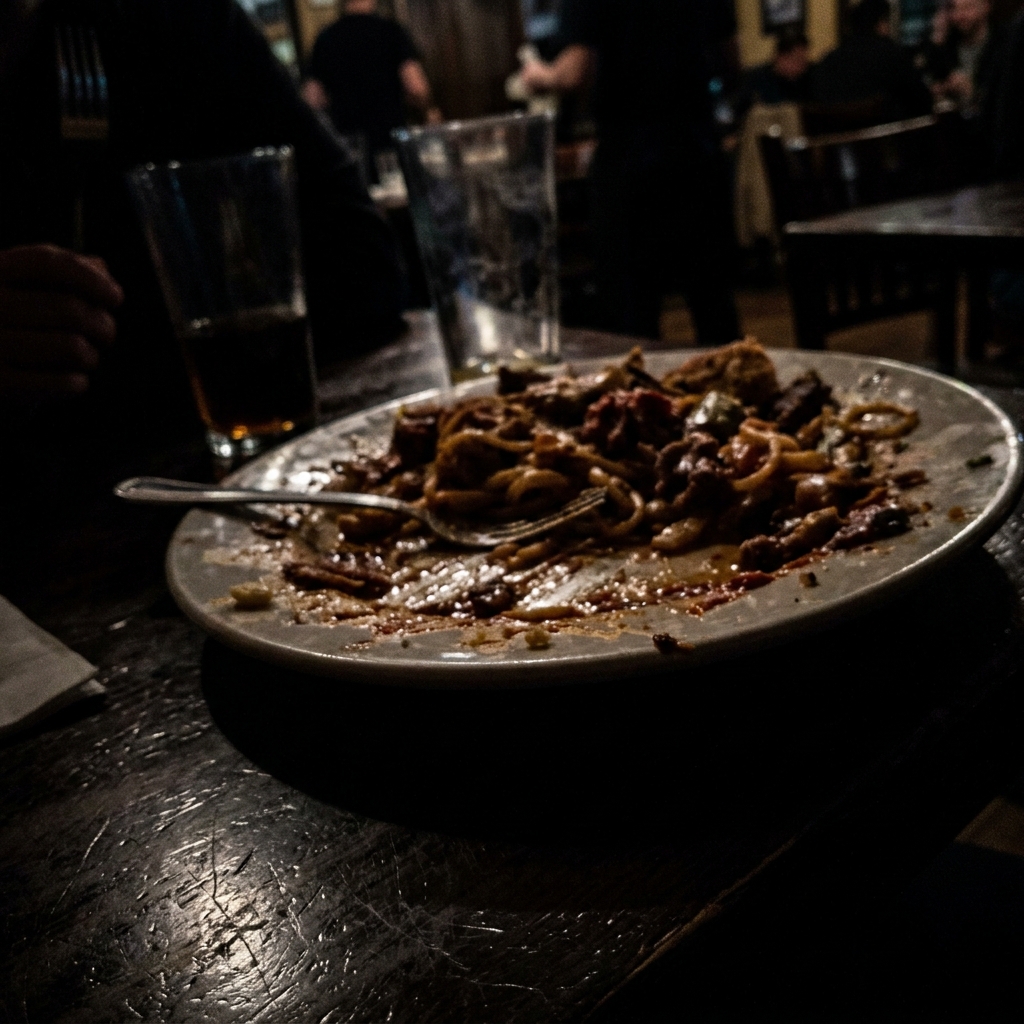
AI vision works best when your food photo is clear and conforms to these parameters:
- 1
Top-Down Perspective
Capture your plate directly from above (flat angle). This allows the vision system to estimate surface area and thickness accurately.
- 2
Isolate Ingredients
Avoid stacking different items directly on top of each other. Visible separation helps segment food items cleanly.
- 3
Bright, Direct Light
Stand in a well-lit area. Clear lighting allows the scanner to see textures and differentiate sauce glaze or cooking density.
- 4
Use Slider Adjustments
AI may miss hidden cooking oils or ingredients. Easily scroll through the list, adjust the grams, or add oil/butter manually.
Pro-Tip for Your Scan
Scan Your Plate
Take top-down food photo
Tap to launch phone camera or upload files
Today's Food Log
Consumed vs Goal targets
No meals logged today yet. Snap a photo of a meal to add it.